Why digital products need mockups
A flat PDF preview tells a buyer very little. A planner open on a desk, a print framed above a sofa or an ebook on a tablet answers the real questions: how big is it, how will it look, and is it worth the price? Good mockups reduce "is this what I'll receive?" messages and refund requests.
Mockup ideas by product type
- Wall art & prints: framed on a wall with furniture for scale.
- Planners & worksheets: printed pages on a desk flat lay, plus a tablet view for digital planners.
- Ebooks & guides: a printed book cover and a tablet or laptop screen.
- Templates & spreadsheets: a laptop display showing the real layout.
- Invitations & stationery: a styled flat lay with envelopes and props.
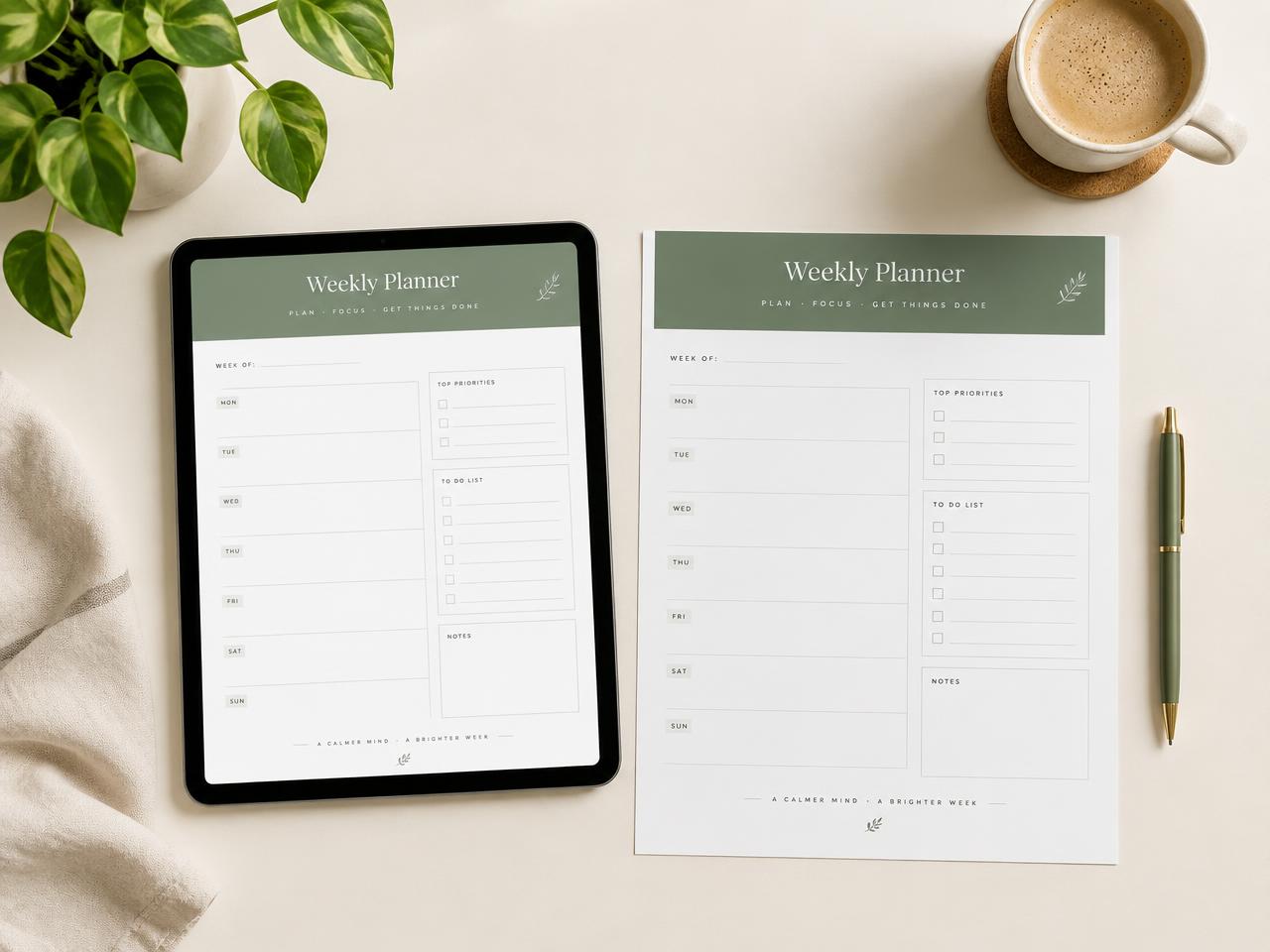
Desk Flat Lay
Printable planners
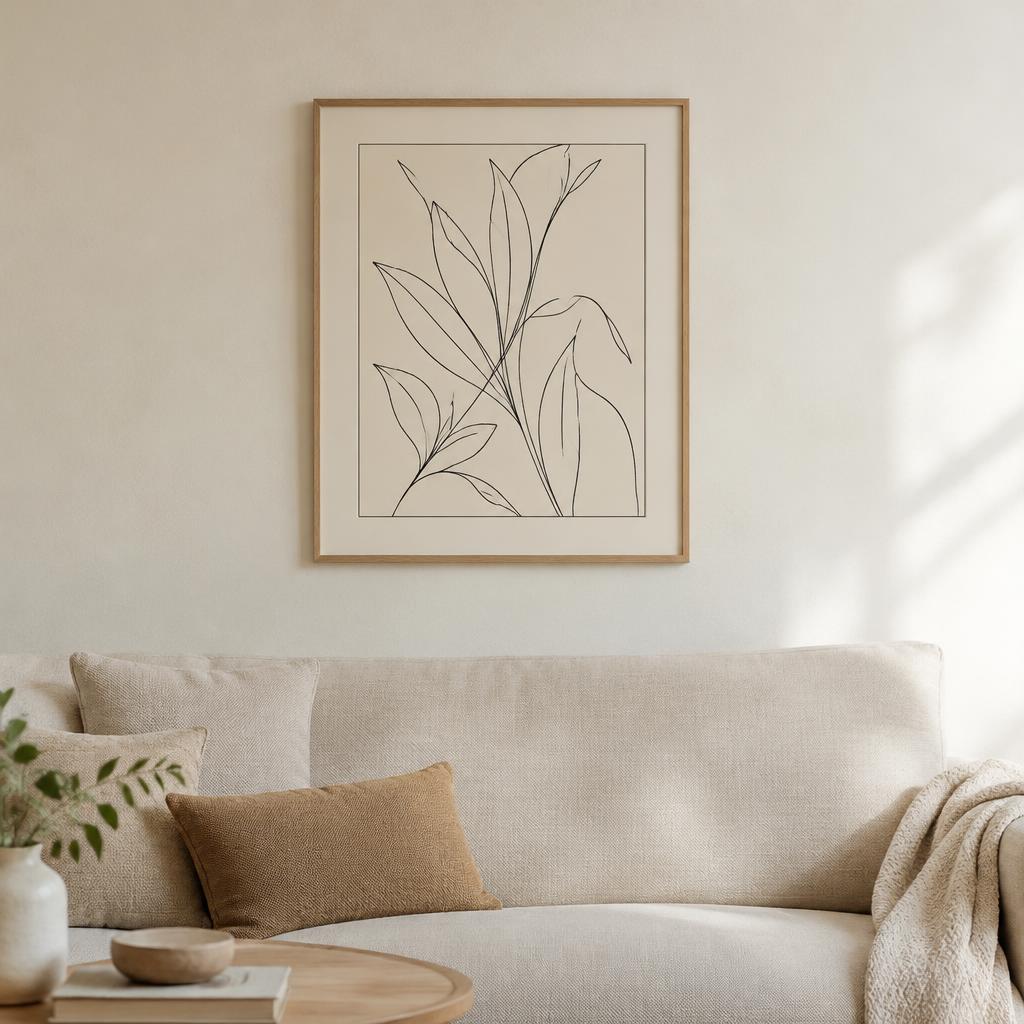
Wall Frame
Digital wall art
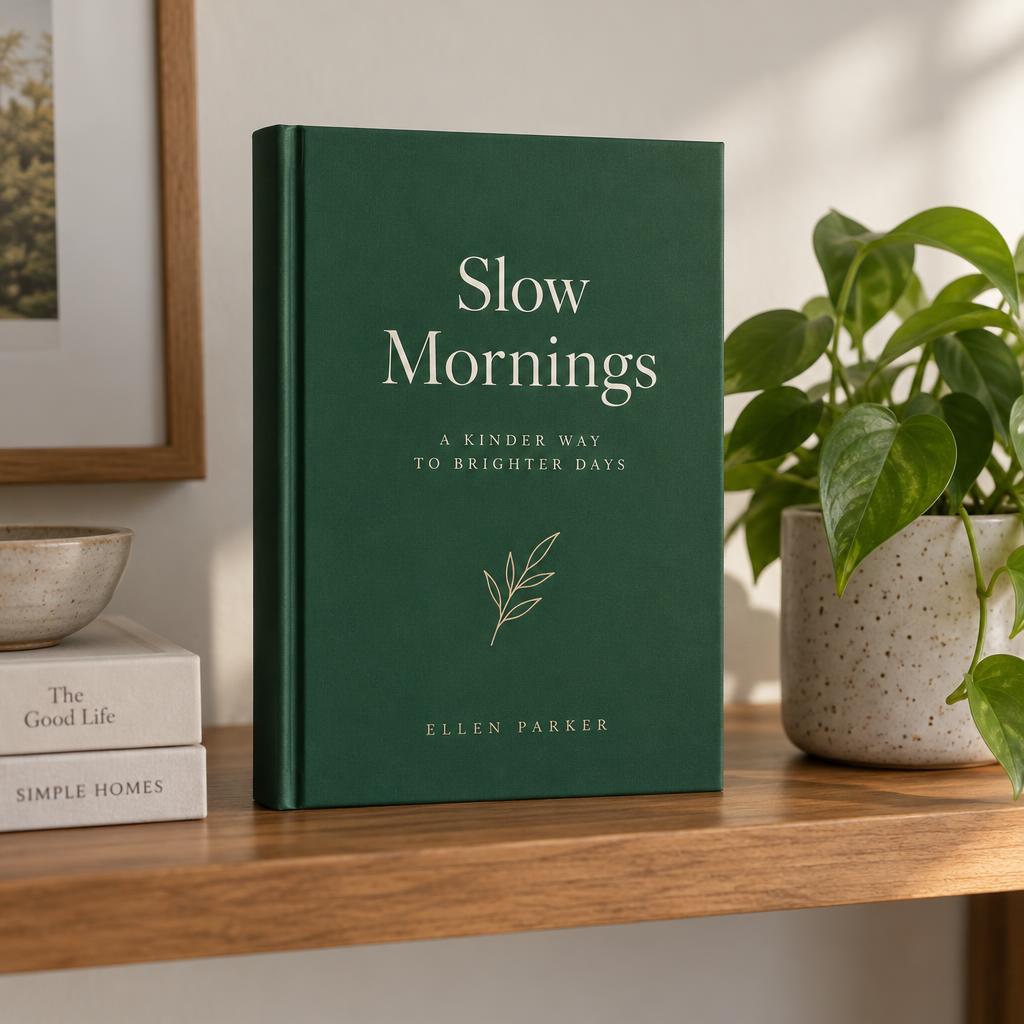
Printed Book
Ebooks
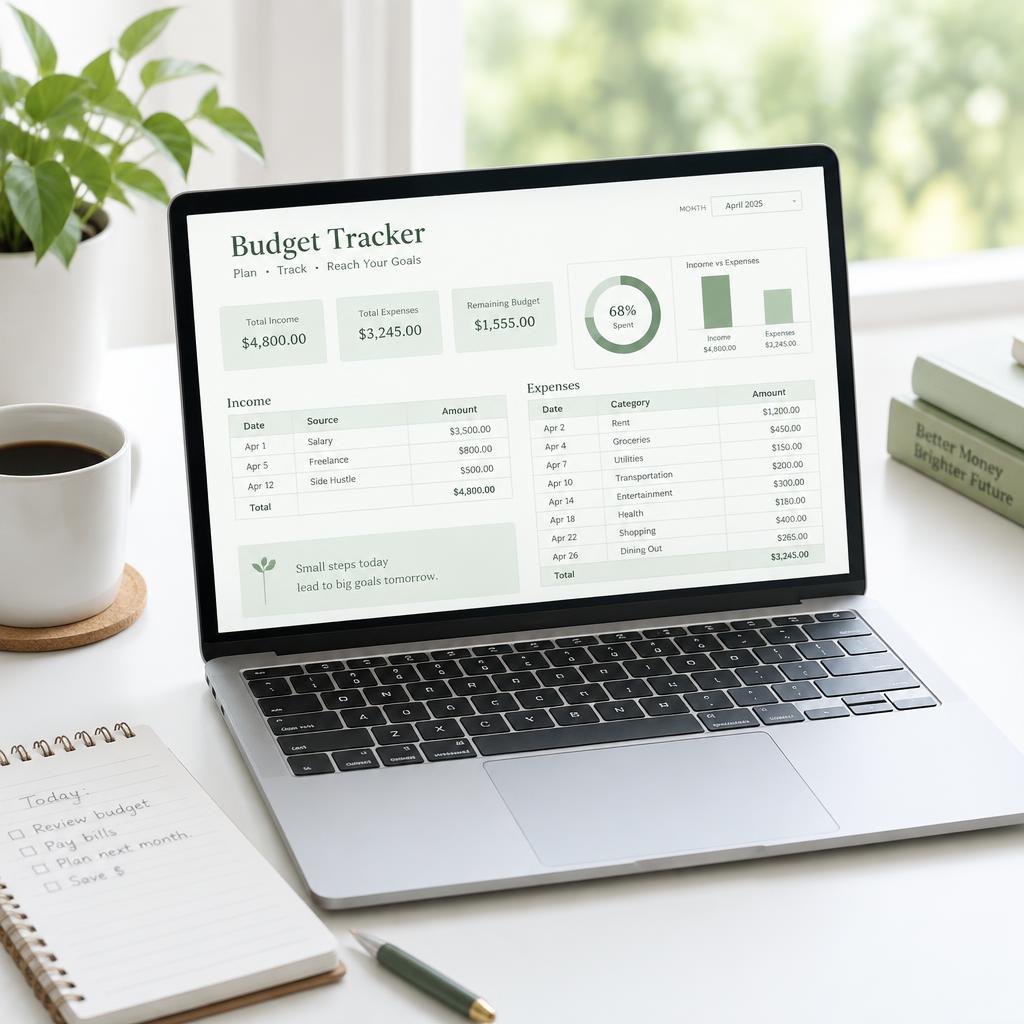
Laptop Display
Spreadsheet templates
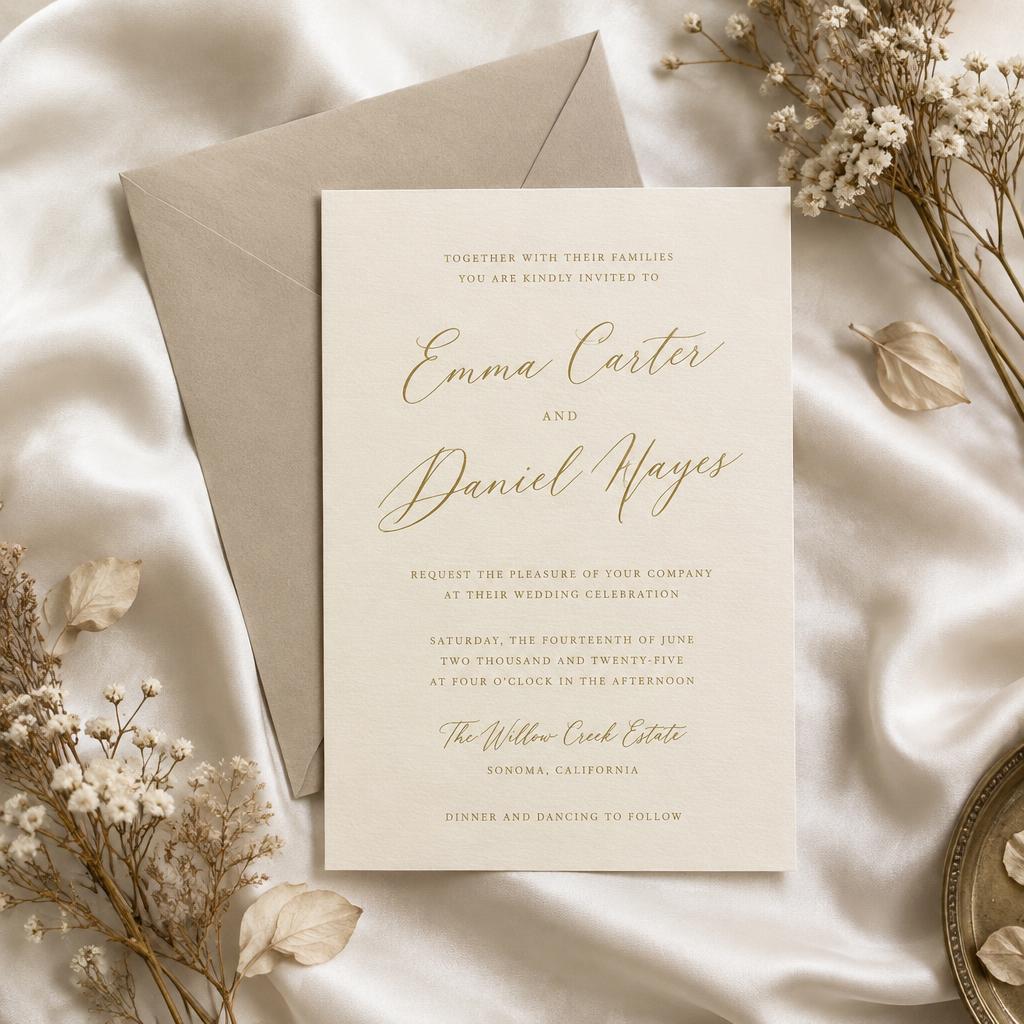
Stationery Flat Lay
Invitations
Demonstration mockups.
Keep your design pixel-true
Fully AI-generated mockups often scramble small text and numbers. The safer method is compositing: the scene is created separately, and your original file is placed onto the screen, frame or page with correct perspective. That way every date, price and headline in your design stays accurate.
The listing photo order that works
- 1. Hero mockup — the most attractive, in-context view.
- 2–4. Inside pages — show real content, not just the cover.
- 5. What's included — file types, page count, sizes.
- 6. How it works — download, print or import steps.
Be clear that it's a download
State "digital download — no physical item ships" in the title area, description and one listing graphic. Clear expectations protect your reviews. Shelfwise's Digital Mockup Studio is rolling out next, built on the compositing approach above.
Common questions
- What is a digital product mockup?
- A realistic image that shows a digital file — an ebook, planner, printable or wall art — on a device, in a frame or printed, so buyers can picture what they're getting.
- How do I create mockups for digital products?
- Pick a scene that matches how the buyer will use the file, place your actual design into it, and export sizes for your marketplace. Show the cover, a few inside pages and the scale.
- Will the text in my design stay readable?
- In our approach your original artwork is placed into the scene rather than redrawn by AI, so words, numbers and layouts stay exactly as you designed them.
- How many mockups should a digital listing have?
- Etsy allows up to 20 photos. Aim for at least five: a hero mockup, two or three inside-page views, a size or format graphic and a 'what's included' image.