What is AI product photography?
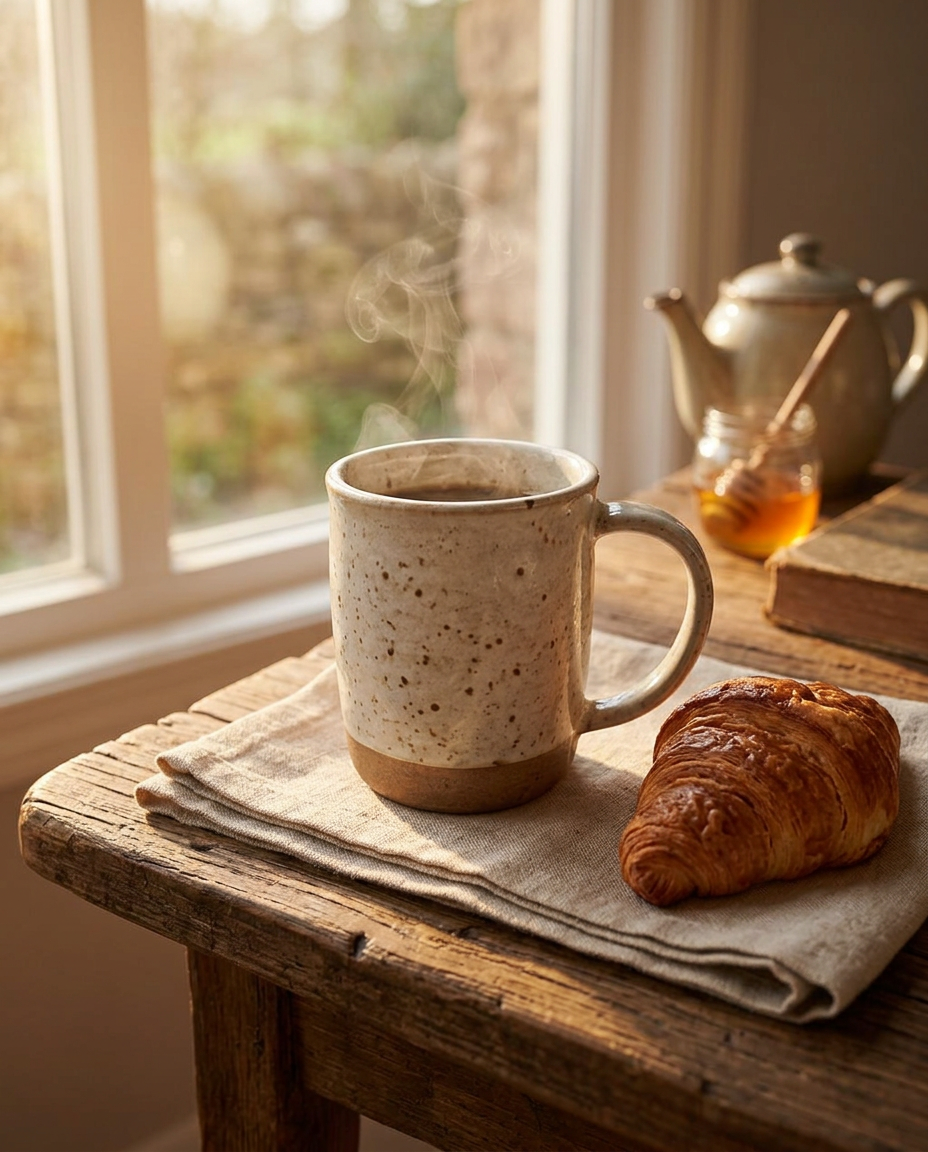
AI product photography uses an image model to place a real photo of your item into a new, professionally lit scene. Instead of renting a studio, buying props and editing for hours, you upload one picture and choose a look such as Minimal Studio, Luxury or Lifestyle.
The goal isn't to invent a product — it's to present the one you already make in the light, setting and composition that a professional photographer would give it.
From kitchen counter to catalog photo
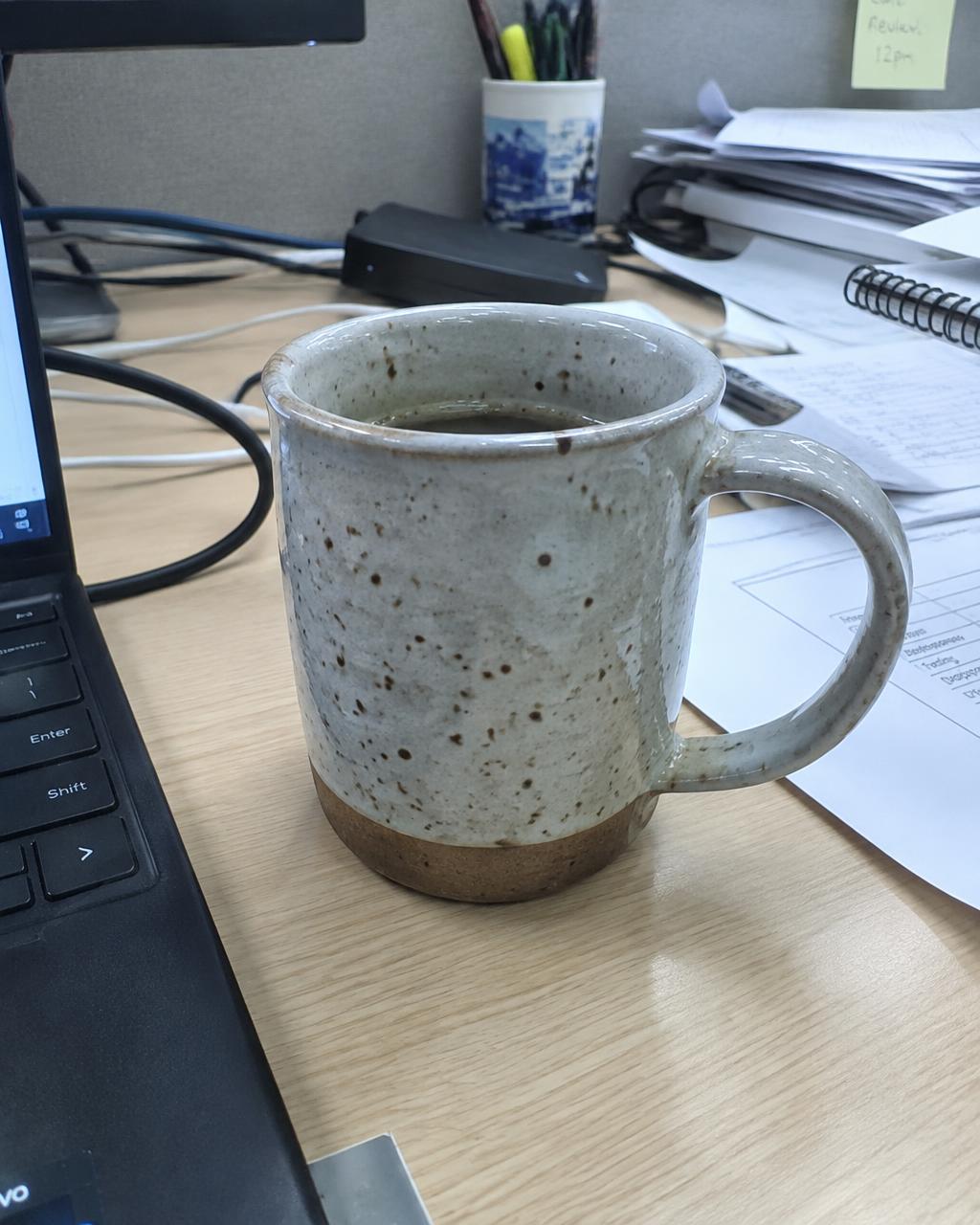
Drag the slider to compare an everyday snapshot with an AI photoshoot result. The mug's glaze, speckles and handle shape stay the same; only the setting changes.
How to create an AI photoshoot in four steps
- Take a clean phone photo — one product, good light, labels readable.
- Add the facts — product name, color and materials guide the scene.
- Pick a style and aspect ratio — 1:1 or 4:5 for Etsy thumbnails, 16:9 for Shopify banners.
- Review and download — compare each image with the original, regenerate anything off, then export a ZIP.
Which photo styles sell best?
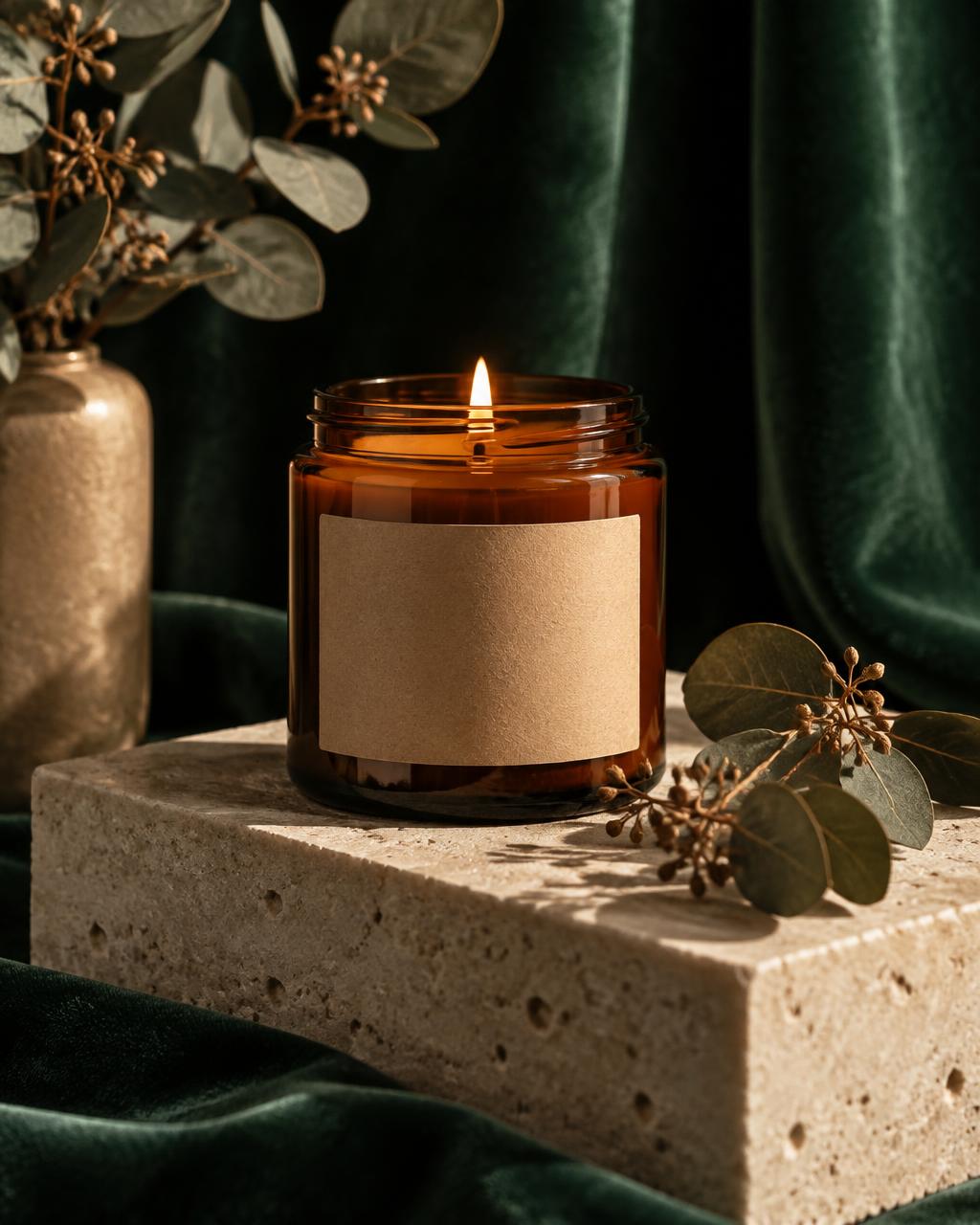
Match the scene to your buyer. Handmade jewelry and candles often suit warm Luxury or Nature scenes; skincare and tech accessories read well in a bright Minimal Studio; mugs, apparel and home goods benefit from Lifestyle shots that show the item in use.
A strong listing usually mixes them: one clean hero image for the search thumbnail, then lifestyle shots that help buyers picture owning it.
AI photoshoot vs. a traditional studio
- Speed: minutes per set instead of a booked shoot and edit.
- Consistency: the same style across your whole catalog.
- Flexibility: seasonal scenes without new props.
- When to still hire a photographer: detailed textures, close-up fabric drape, or large campaigns where every pixel is art-directed.
Keeping AI photos accurate
Buyers return items that don't match the photos. Before publishing, check color, size cues, labels and logos against your real product, and never use an image that shows features your item doesn't have. Keep at least one unedited photo in every listing so buyers see the real thing.
Common questions
- Is AI product photography allowed on Etsy and Shopify?
- Yes, as long as the photos accurately show the item a buyer will receive. Etsy asks sellers to represent items honestly, so always compare each AI image with the real product before listing it.
- Will the AI change my product?
- The studio is instructed to keep your product's shape, colors, labels and packaging and only build a new scene around it. AI can still make mistakes, which is why every result can be compared side by side with your original.
- What photo should I upload?
- One product, fully in frame, in focus and reasonably lit. A phone photo on a plain surface works well. Avoid heavy shadows, cluttered backgrounds and blurry labels.
- How many photos can I make at once?
- Up to four images per run. Each image uses one credit, and failed generations are refunded automatically.